
Working with multichannel audio files [1]#
Basics: Core API#
Parsing a multichannel file#
The AudioFile.channels property indicates the number of channels that a given AudioFile has.
The AudioData.channels property is a list of ints that represents the targeted channels of the file:
from pathlib import Path
from osekit.core.audio_file import AudioFile
from osekit.core.audio_data import AudioData

af = AudioFile(
    path=Path("_static/sample_audio/multichannel/multichannel_220925_223450.wav"),
    strptime_format=r"%y%m%d_%H%M%S",
)

print(f"The audio file has {af.channels} channels.")

ad: AudioData = AudioData.from_files([af])

print(f"By default, all channels are targeted: {ad.channels}.")
The audio file has 3 channels.
By default, all channels are targeted: [0, 1, 2].
Targeting specific channel(s)#
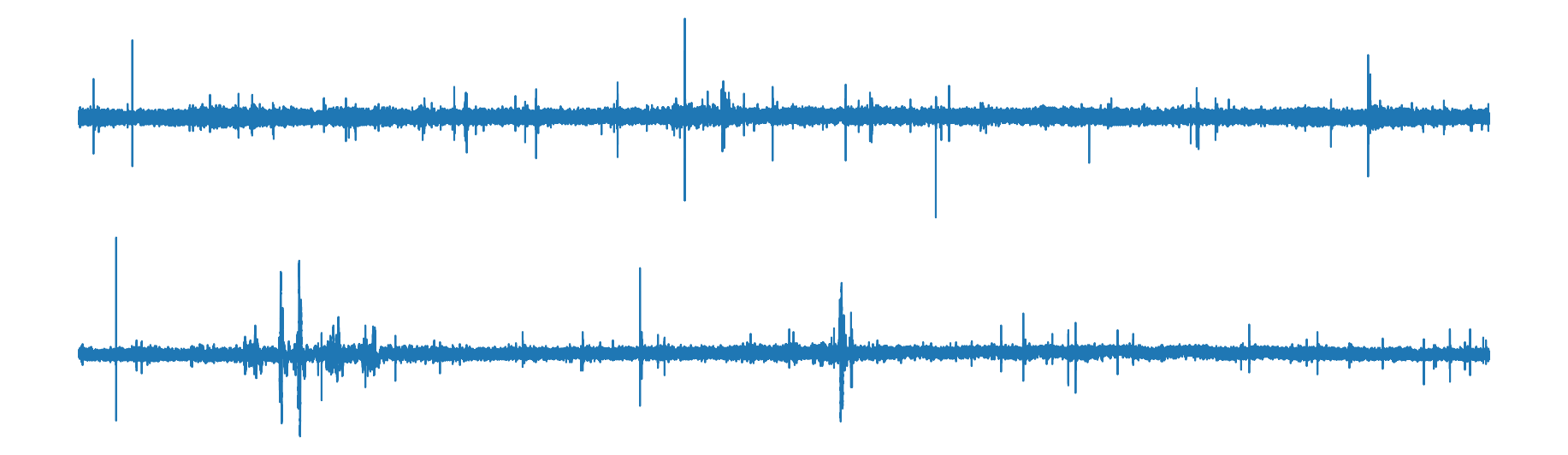
AudioData.channels can be set to target specific channel(s):
import matplotlib.pyplot as plt

ad.channels = [0, 2]  # Removing channel 1 from targeted channels
ad.plot()
plt.show()
Computing the spectrum of a specific channel#
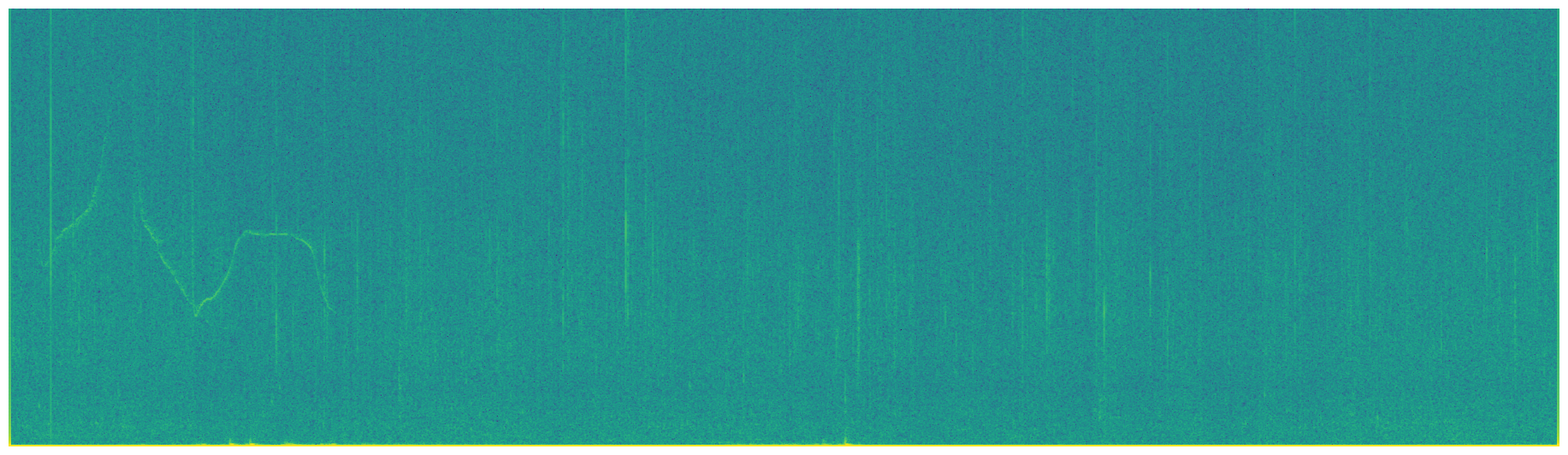
SpectroData target a specific channel of a file:
from osekit.core.spectro_data import SpectroData
from scipy.signal import ShortTimeFFT, windows

sd = SpectroData.from_audio_data(
    data=ad,
    fft=ShortTimeFFT(win=windows.hamming(1024), hop=128, fs=ad.sample_rate),
)

sd.audio_channel = 2  # Targets the third channel of the file (which is the second channel of the AudioData)
sd.plot()
plt.show()
Public API#
Build the Project#
First, we have to build the project from the raw audio files:
from pathlib import Path
from osekit.public.project import Project

folder = Path(r"_static/sample_audio/multichannel")
strptime_format = r"%y%m%d_%H%M%S"

project = Project(
    folder=folder,
    strptime_format=strptime_format,
)

project.build()
	2026-09-28 15:47:57,575
Building the project...
	2026-09-28 15:47:57,576
Analyzing original audio files...
	2026-09-28 15:47:57,580
Organizing project folder...
	2026-09-28 15:47:57,583
Build done!
Declare the Transform#
Then we declare a Transform which would work on the audio (e.g. export spectrograms):
from osekit.public.transform import Transform, OutputType
from scipy.signal import ShortTimeFFT
from scipy.signal.windows import hamming

transform = Transform(
    output_type=OutputType.SPECTROGRAM,
    fft=ShortTimeFFT(win=hamming(1024), hop=128, fs=project.origin_dataset.sample_rate),
    name="one_spectrogram_per_channel",
)
Now, we will use some Core API on top of the Public API to get one spectrogram per channel:
import copy

# We get the transform SpectroData(s) -- here there is only one
sds = project.prepare_spectro(transform=transform)

# We'll create one spectro data per channel:
sds_channels = []
for sd in sds.data:
    for channel in (0, 2):  # Targeting the specific channels here
        sd_copy = copy.copy(sd)
        sd_copy.audio_channel = channel
        sd_copy.name += "_channel_" + str(channel)
        sds_channels.append(sd_copy)

# We'll then set the sds data as sd_channels:
sds.data = sds_channels

# Let's check everything's ok:
for sd in sds.data:
    print(f"Spectrogram for channel {sd.audio_channel}")
	2026-09-28 15:47:57,597
Creating the audio data...
Spectrogram for channel 0
Spectrogram for channel 2
We should now be able to run the transform on the edited SpectroDataset:
project.run(transform=transform, spectro_dataset=sds)
	2026-09-28 15:47:57,605
Creating the audio data...
	2026-09-28 15:47:57,609
Running transform...
	2026-09-28 15:47:57,609
Computing and writing spectrograms...
	2026-09-28 15:47:59,370
Transform done!
# Reset the project to get all files back to place.
project.reset()