User management
To manage users you must access the Administration part.
Then find the authentication bloc.

You can access the list of users by clicking on "Users" or add a new one.
Add a user
Once you clicked on the "Add" button, you access the user creation form.
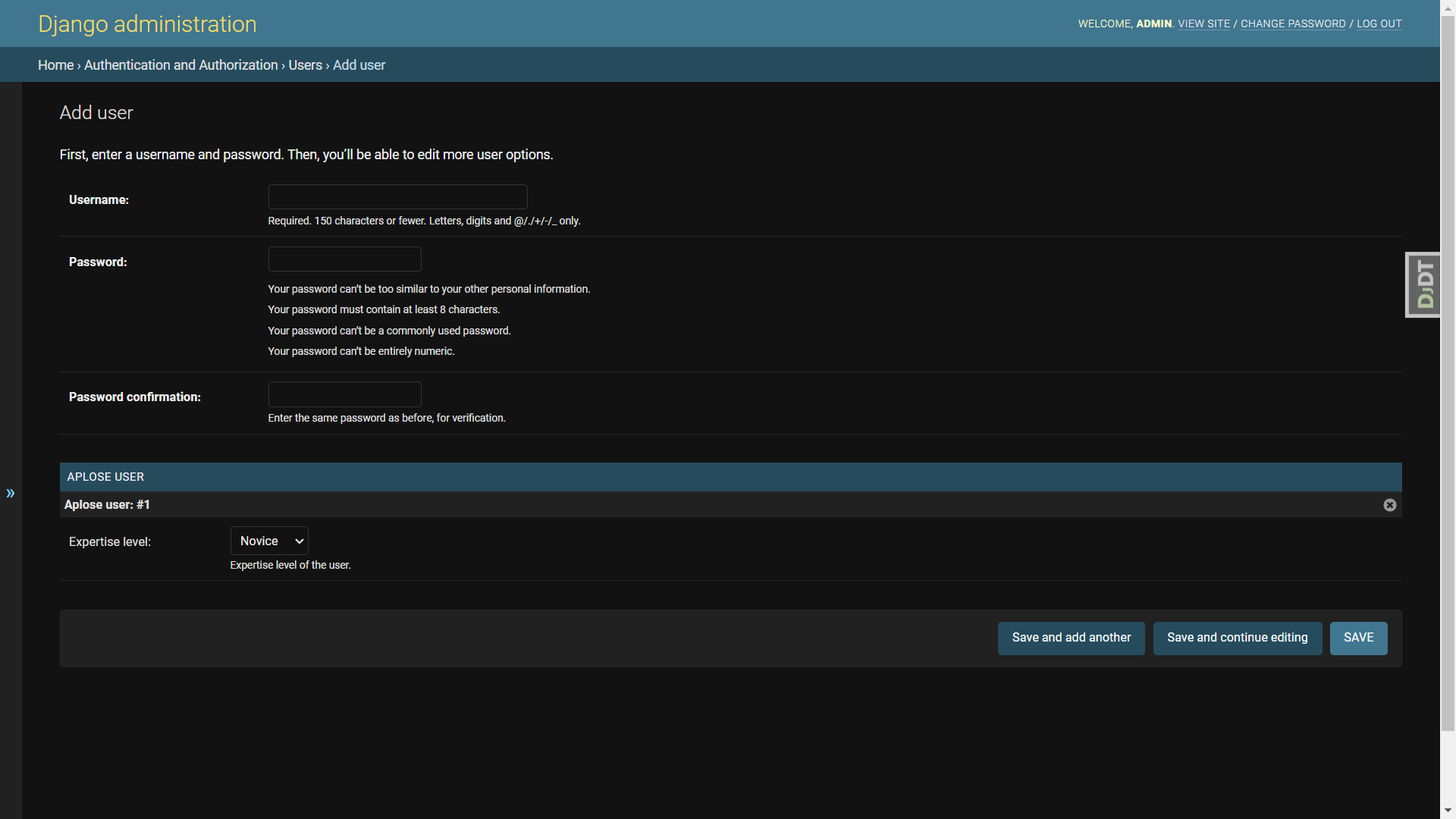
Fill in the form with a username, a strong password and an expertise level. You should share the username and password to the user.
Managing permissions
If the user you've created is an annotator. The user creation is done.
Campaign creator
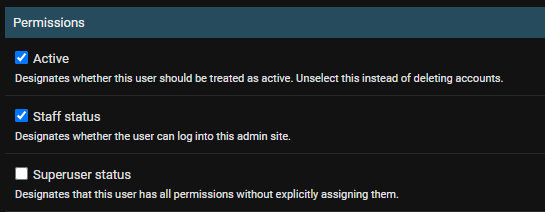
If you created a campaign creator account, in the "Permissions" bloc:
- Check the "Staff status" to allow him/her to log into the Administration part.
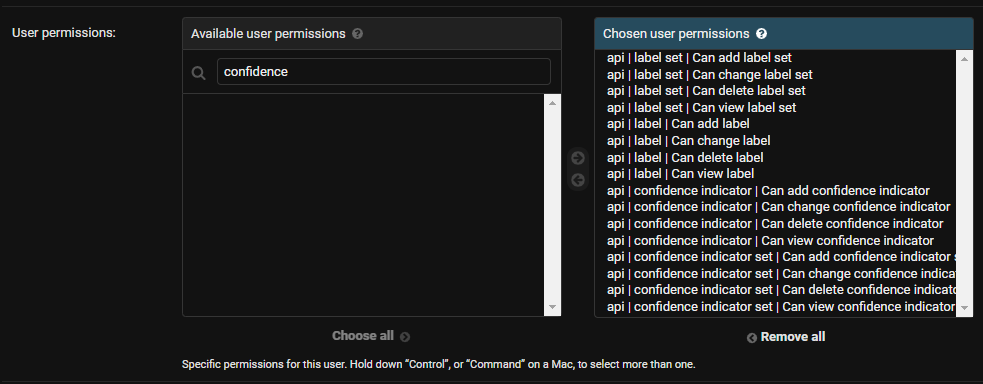
- Grant him/her all permissions related to "label" and "confidence"
Administrator
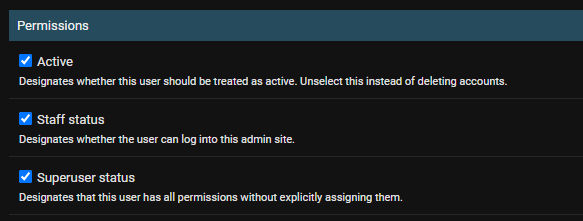
If you created an administrator account, in the "Permissions" bloc:
- Check the "Staff status" to allow him/her to log into the Administration part.
- Check the "Superuser status" to grant him/her all permissions.