
Manage a dataset
Every imported dataset can be managed on a dedicated page
Terminology
Dataset
It defines a set of audio segments and their preprocessed spectrograms.
Analysis
Each dataset can have multiple analysis. The analysis contains pre-processed spectrograms for a defined configuration (FFT, colormap...). These configurations can be viewed on APLOSE for annotation.
Access the "Datasets" page from the navigation panel and clic on your dataset name.
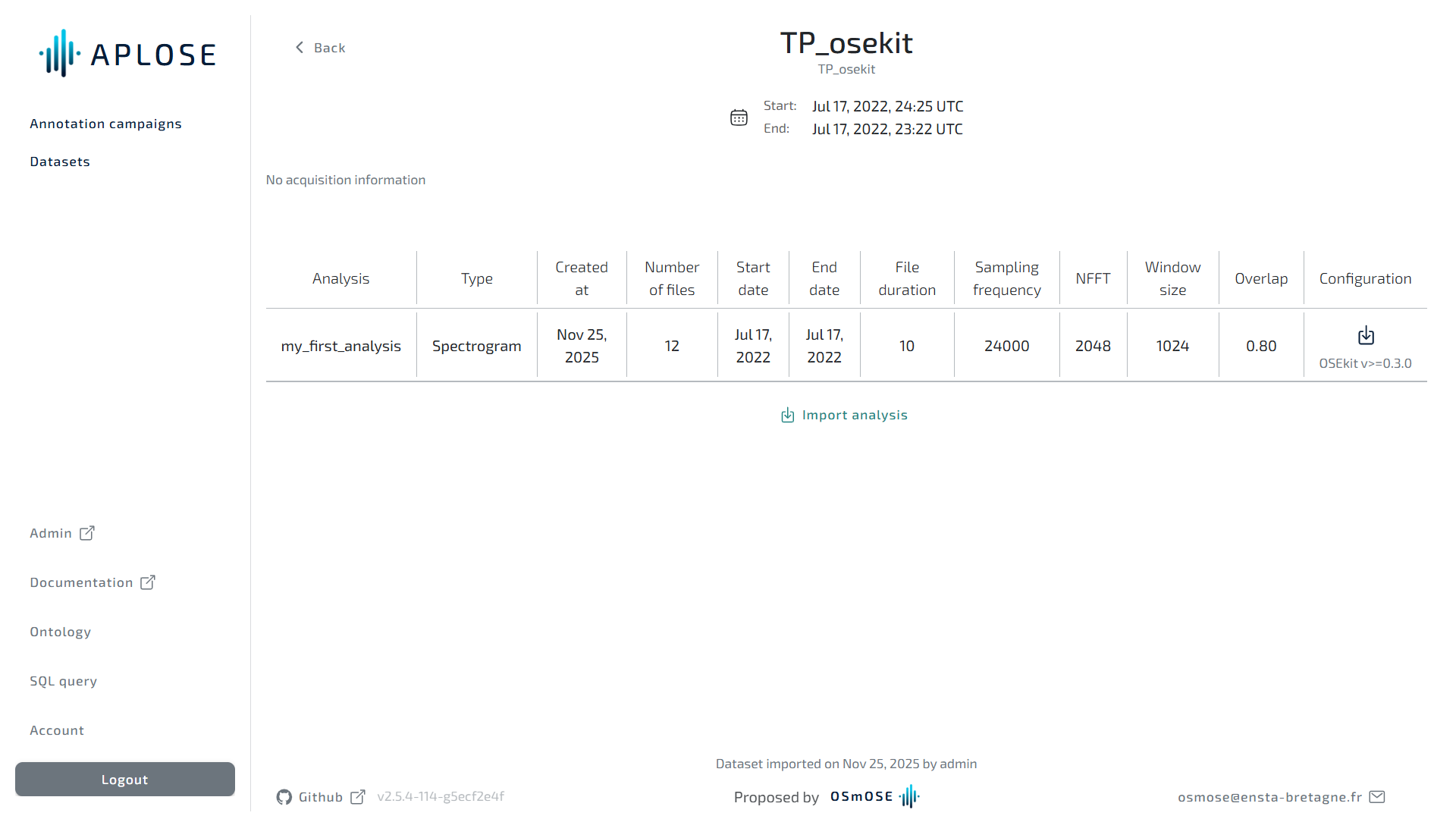
Here you will find all the information on your dataset:
- Start/End dates of the contained data
- Table of imported analysis
On the analysis table you can download their complete configuration.
Import a new analysis
Click on the "Import analysis" button
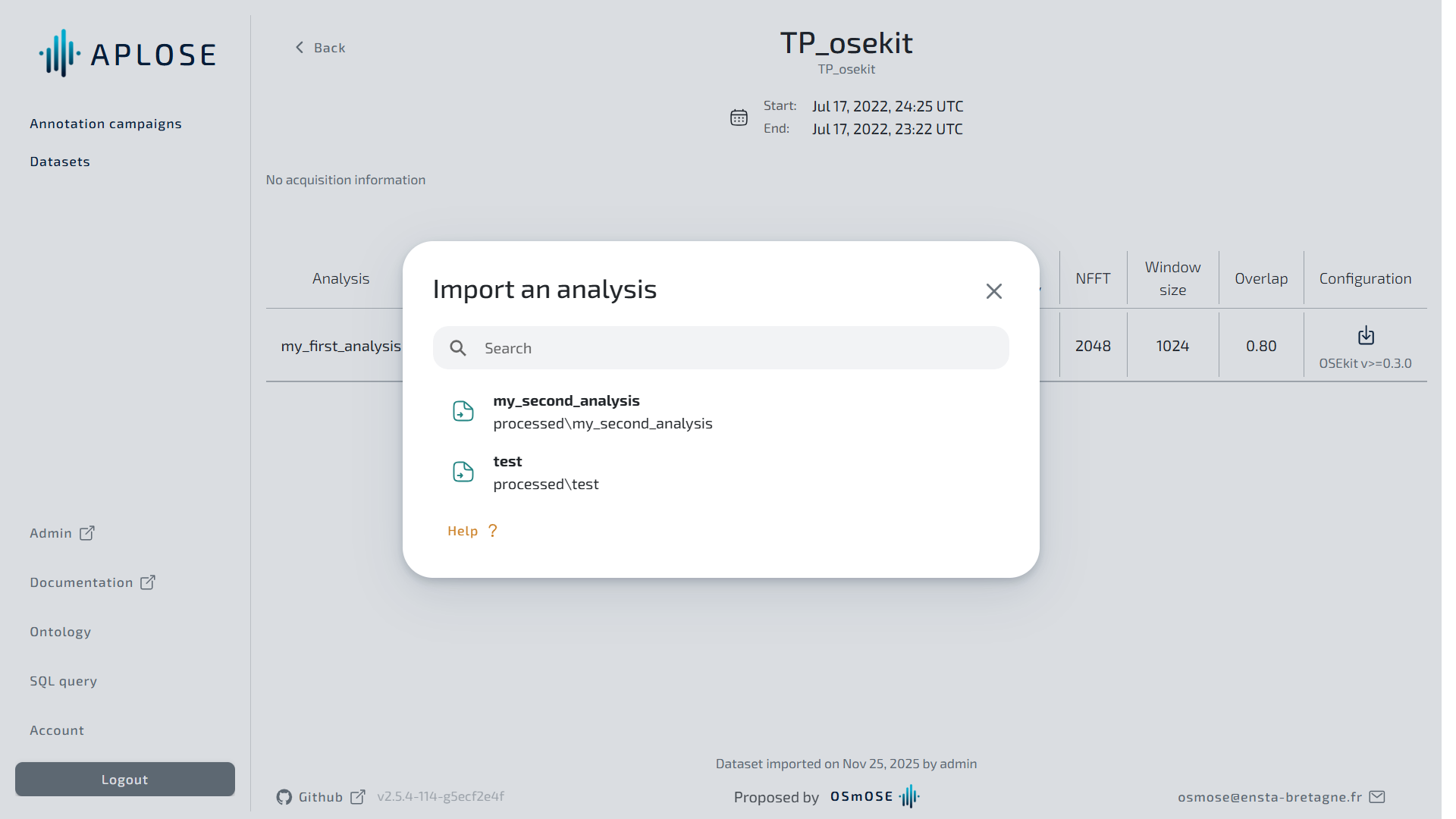
In the modal you can see the list of all available analysis for this dataset.
Clic on the following button to import an analysis. 