Annotation phase detail
Terminology
Annotation Phase
A phase characterises the work carried out on a campaign. There are two types of phase:
- "Annotation": This type of phase is used to make an initial annotation of the campaign, based on empty spectrograms. This type of phase can also be used to import external annotations, for example from automatic detectors.
- "Verification": Verification phases are used to validate/invalidate annotations made in the “Annotation” phase. If a user is assigned to both phases, he will not be able to validate his own annotations.
The two phases can take place simultaneously.
Annotation Campaign
A campaign refers to the annotations of a dataset with a defined set of labels and tasks. Each campaign is defined by a name, a dataset and spectrogram configurations. A campaign is made up of phases.
Label
A label defining a specific sound. It can define sounds of interest such as the species and their vocalization or a boat passage.
It can be grouped into a Label set
Confidence
An indicator that represents the level of confidence the annotator has in each annotation. This indicator can be customized, it can be a Boolean value or a level from 0 to 3 for instance.
It can be grouped into a Confidence set
Once you are on the campaign detail, you can select the phase tab you want to access.
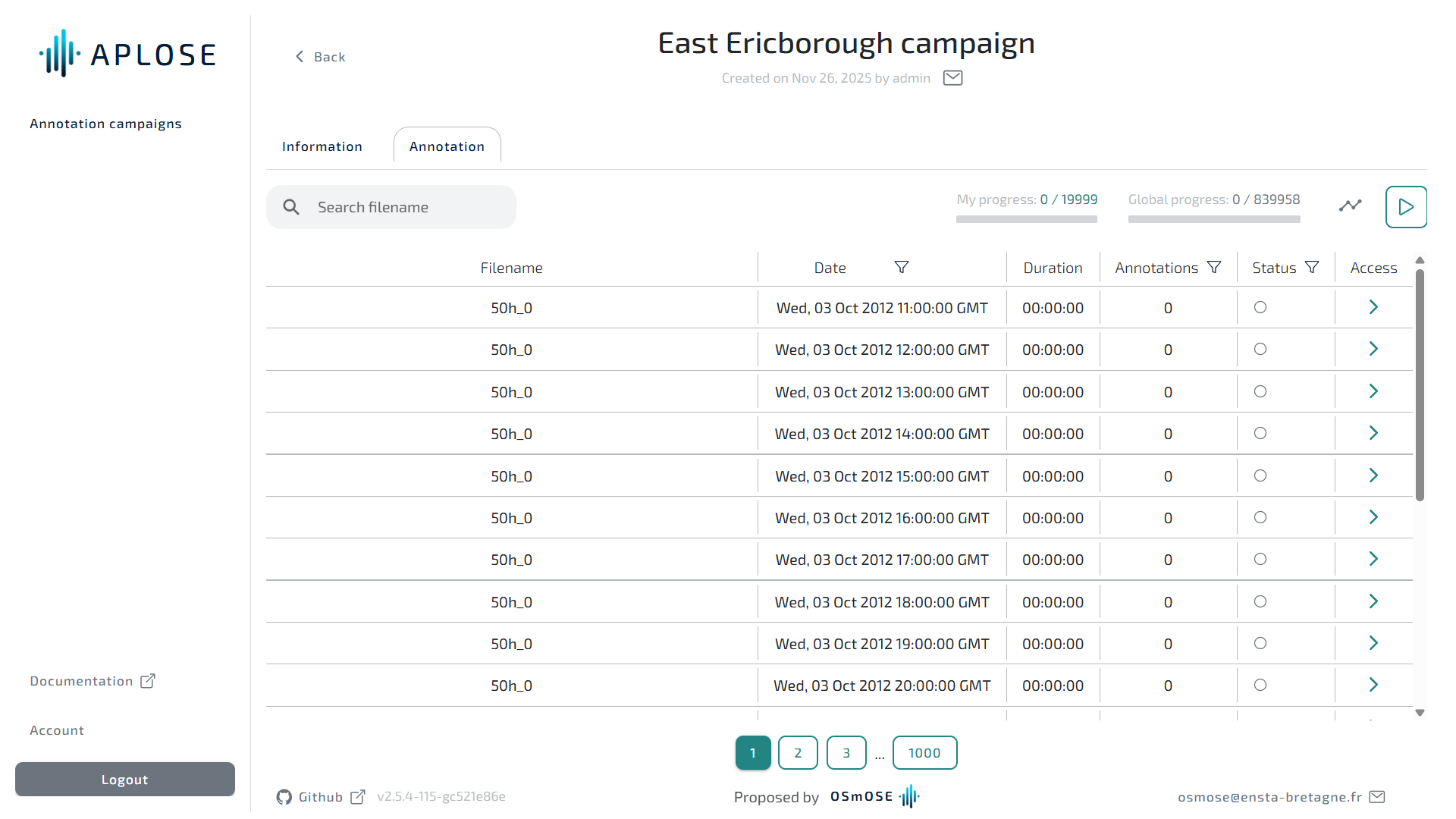
The page shows the dataset files you were assigned for annotation. You can search a specific file or only show non submitted files or only files with annotations. You can also directly resume annotation, this will take you to the first unsubmitted file.
The file table contains the following columns:
| Column | Phase | Description |
|---|---|---|
| Filename | all | Name of the file |
| Date | all | Start of the recording |
| Duration | all | Duration of the recording |
| Annotations | Annotation | Number of annotations you created |
| Annotations to check | Verification | Number of annotations from the "Annotation phase" that need to be checked |
| Validated annotations | Verification | Number of annotations you validated |
| Status | all | Either you submitted your work on the file |
| Access | all | A direct link to access the annotator |
Filter files
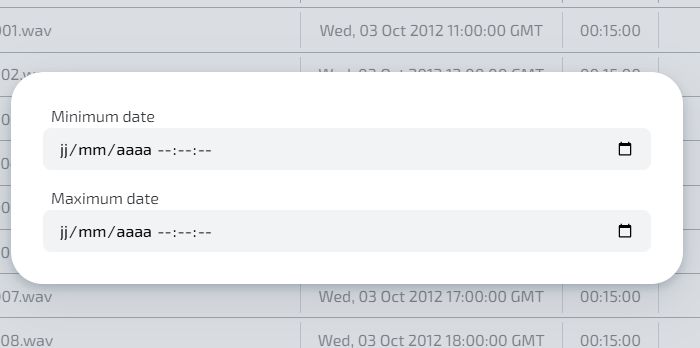
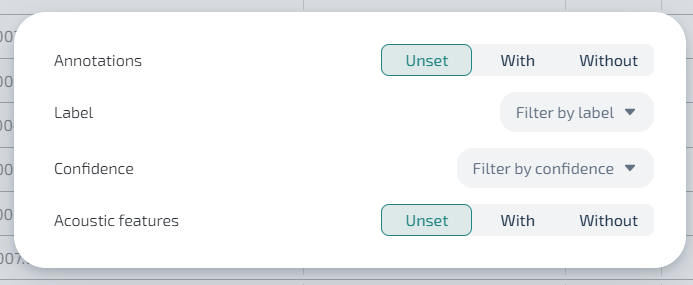
By clicking on the funnel icon on the file table header, you can filter files.

Date filters
Annotation filters
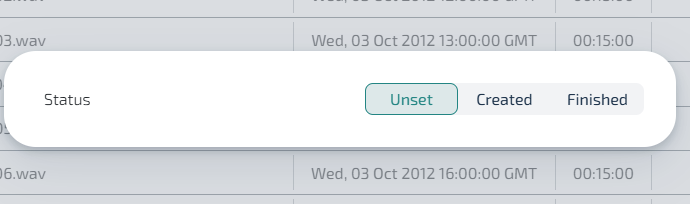
Status filters