
Create an annotation campaign
Terminology
Annotation Campaign
A campaign refers to the annotations of a dataset with a defined set of labels and tasks. Each campaign is defined by a name, a dataset and spectrogram configurations. A campaign is made up of phases.
Dataset
It defines a set of audio segments and their preprocessed spectrograms.
Analysis
Each dataset can have multiple analysis. The analysis contains pre-processed spectrograms for a defined configuration (FFT, colormap...). These configurations can be viewed on APLOSE for annotation.
Annotator
The user that will create annotations on a given annotation campaign.
To create a campaign click on the "New annotation campaign" button.
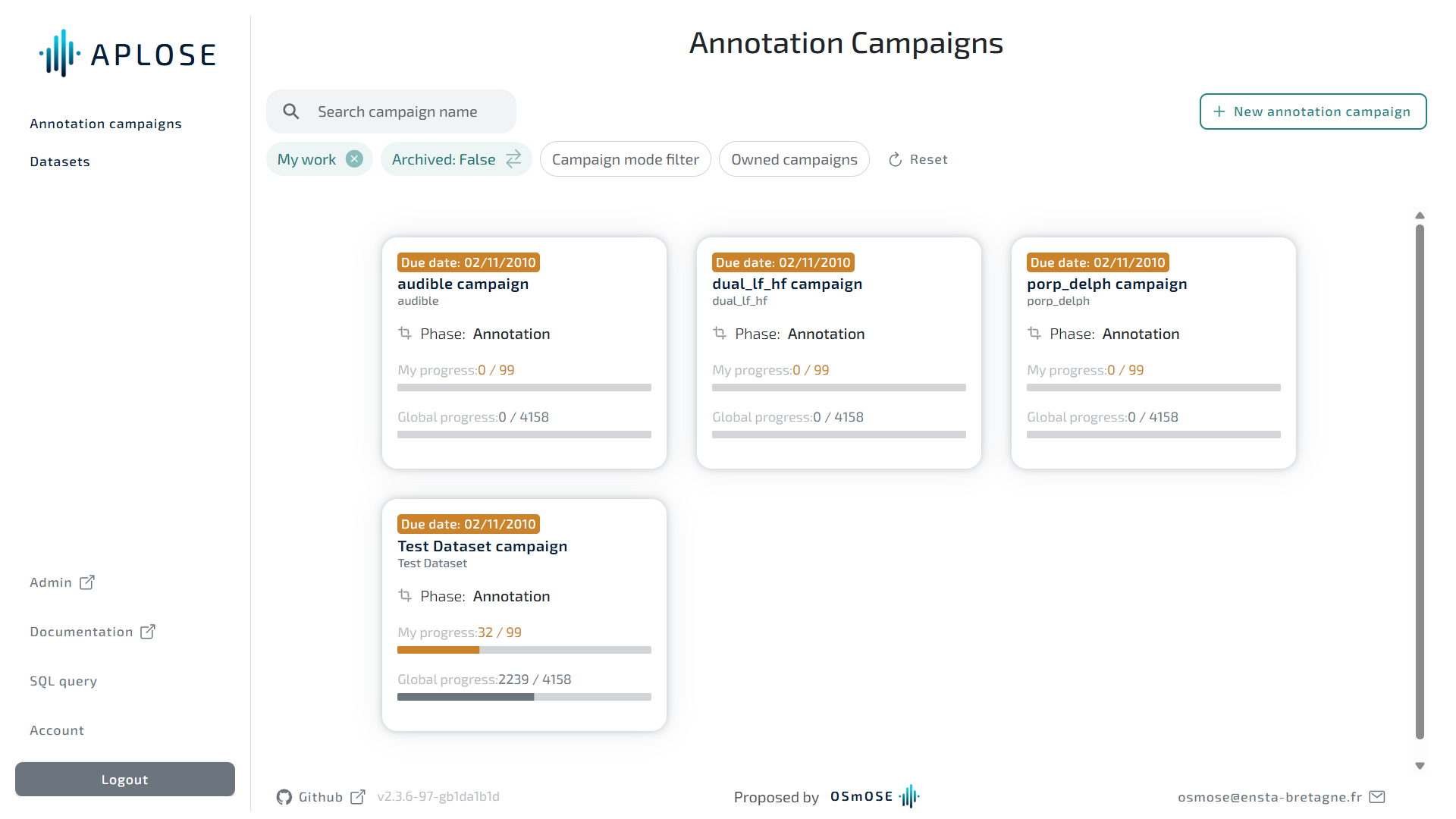
Global information
You can fill in the global information.
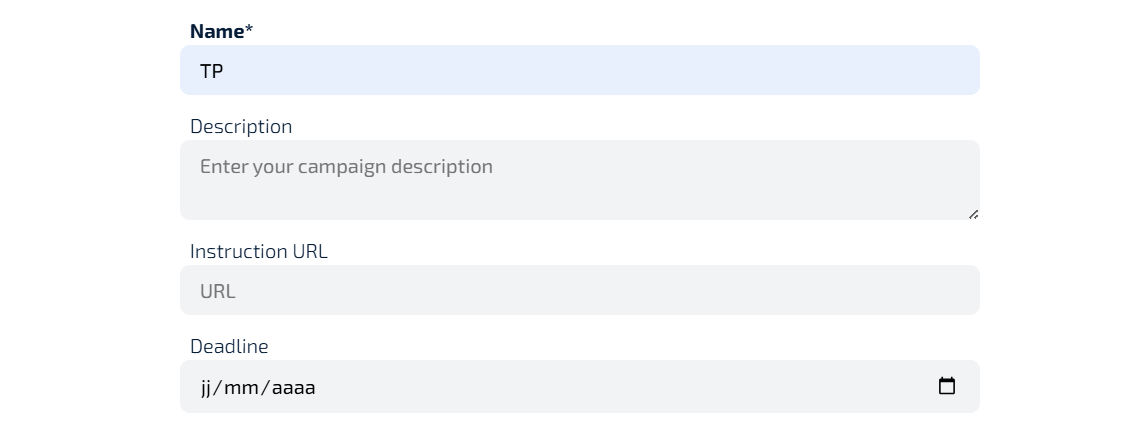
- Only the name is required.
- The description can help your annotator to understand the purpose of this campaign for example.
- If you have web page or a PDF stored online you can give its URL on the "Instruction URL" field. It will be accessible to the campaign annotators
- The deadline will also be available to the annotators.
Data
You can then select the dataset to annotate.
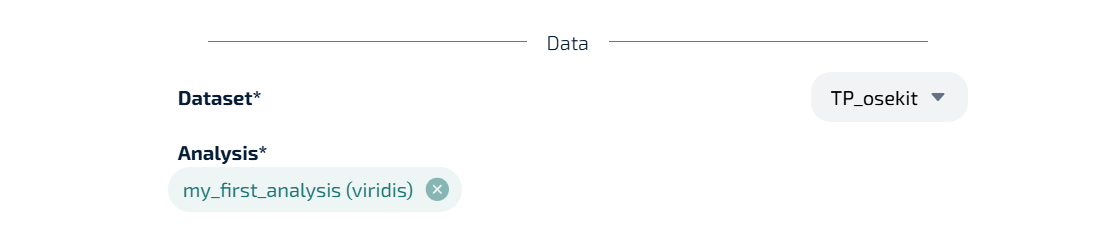
You will be able to choose one or more analysis among the available ones for the selected dataset.
Colormap
You can allow the annotators the update brightness or contrast during annotation.
If you have selected analysis in 'Grey' colormap, you can allow the annotators to choose a colormap during annotation.

Submit
You're all set and can submit your new campaign by clicking on the "Create campaign" button. After submitting your new campaign, you will be redirected on your campaign detail page.